
Manage Instagram comments and DMs together
During campaigns, questions come first as comments under a post and then as DMs. Chatopya shows each post’s comments in the panel and lets you reply to them there, while incoming DMs are answered in the shared inbox by the AI assistant and your team.
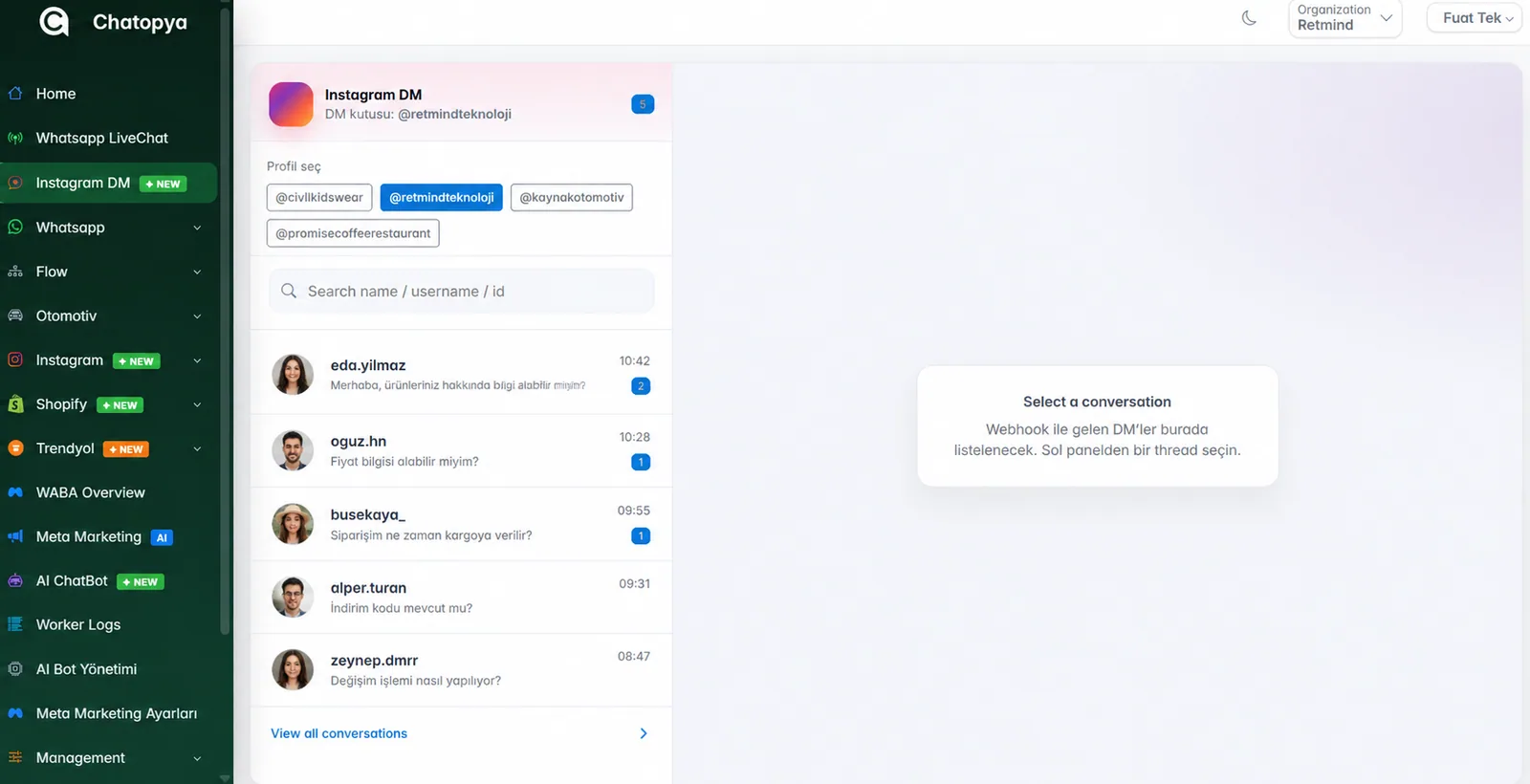
One flow from comment to DM
Comment tracking
You see every post's comments with its preview in the panel.
Reply to comments from the panel
You see the comment in the panel and write your reply there without opening Instagram.
AI replies in DMs
The assistant answers sales questions such as price, stock and shipping from the information you add to its instructions.
Campaign peaks
In busy periods incoming messages are distributed to the team and the bot takes over repeated questions.
Handover to an agent
When the bot cannot solve it the conversation moves to an agent together with its history.
Performance reports
Reach, profile views and follower change are followed in charts.
How does the flow go?
A post goes live
Publish the post, Reel or story from the panel.
Comments arrive
Comments are listed in the panel with the post preview.
The comment is answered
Your team replies to the comment from the panel; users who want details write via DM.
Bot or agent replies
In DMs the assistant answers from its instructions, and your team continues if needed.
Example: a campaign post
A comment appears under the campaign post: “Price?”
The comment shows up in the panel; your team replies there and suggests sending a DM for details. When the user writes via DM and the price is in the assistant’s instructions, the assistant answers; an out-of-scope question such as discount terms goes to your team.
Meta rules and limits
Comment and DM functions depend on Meta's Instagram API permissions and rules; Meta can change these rules.
Only Instagram business accounts linked to a Facebook page can be connected.
The bot only answers from the information you add; out-of-scope questions go to an agent.
Frequently asked questions
Can I see comments in the panel?
Yes. Each post's comments are listed in the panel with its preview.
Can I reply to comments from the panel?
Yes. Comments are listed with their post in the panel and you write your reply there. Comment and DM features follow Meta’s Instagram API rules.
Are comments answered automatically?
No. Comments are not answered automatically or by AI; your team replies from the panel. Automatic replies run on the DM side with the assistant.
How does the AI step into DMs?
The bot answers from the information in Bot Center and leaves a question without a match to an agent.
Let's build the comment-to-sale flow together
In a 30-minute demo we show the product live on your own scenario.