
Send bulk messages on WhatsApp
Reach many people at once with Meta-approved templates. Sending follows Meta's rules and tiered limits, consent records are kept and you see the delivery and read status of every message.

The three known risks of announcing a campaign
Your number gets banned
Messaging many people in a short time from a regular account counts as spam, and your business number gets restricted.
Compliance is unclear
Who gave consent and who wants to opt out isn't recorded anywhere, so proving it in an audit is hard.
Results can't be measured
You don't know how many people it reached, read it or replied. The next campaign is a shot in the dark again.
Compliant, measurable sending
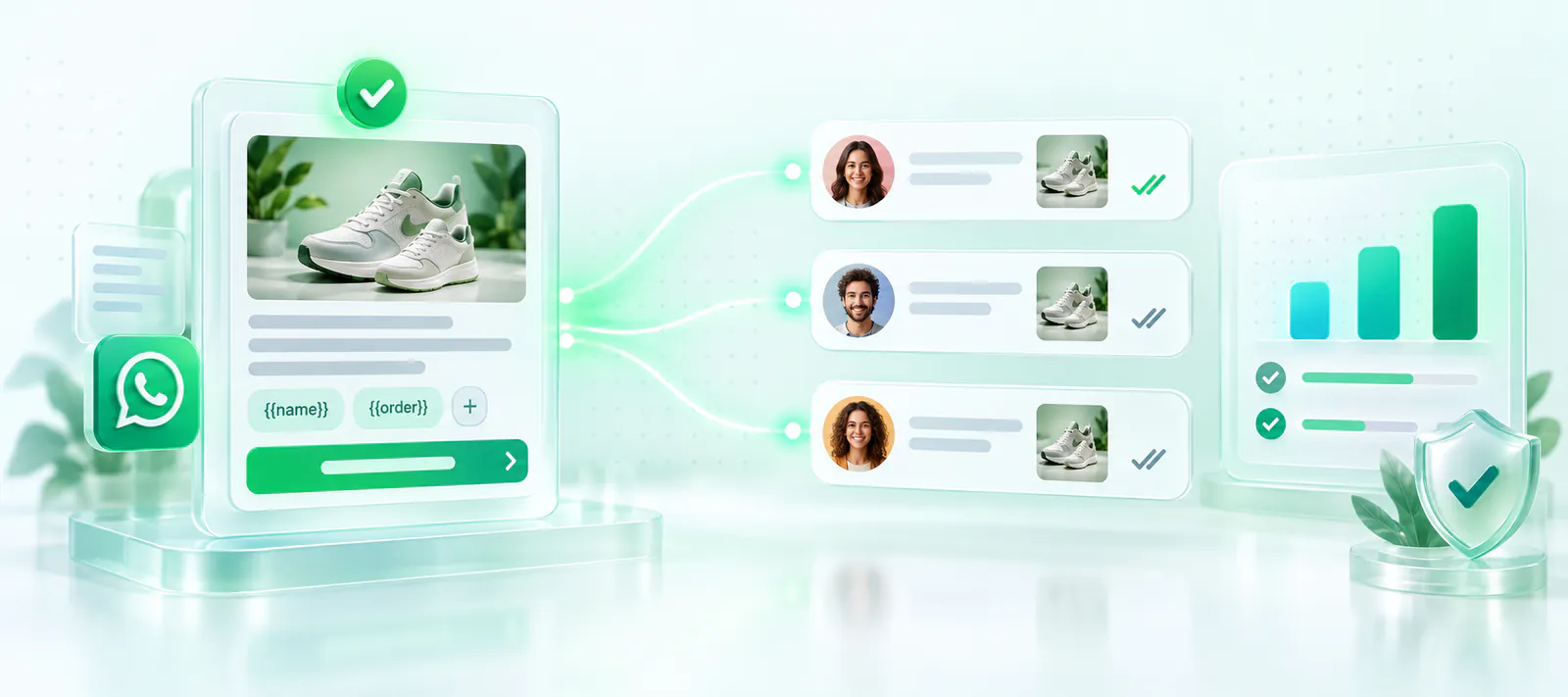
With approved templates, by the rules
Sending runs on Meta's own infrastructure. Templates are approved in advance, and as long as you keep a good quality rating, your sending limit grows through Meta's tiers.
- Templates are created in the panel and submitted for approval
- Personalized content with variables
- Add images, buttons and links
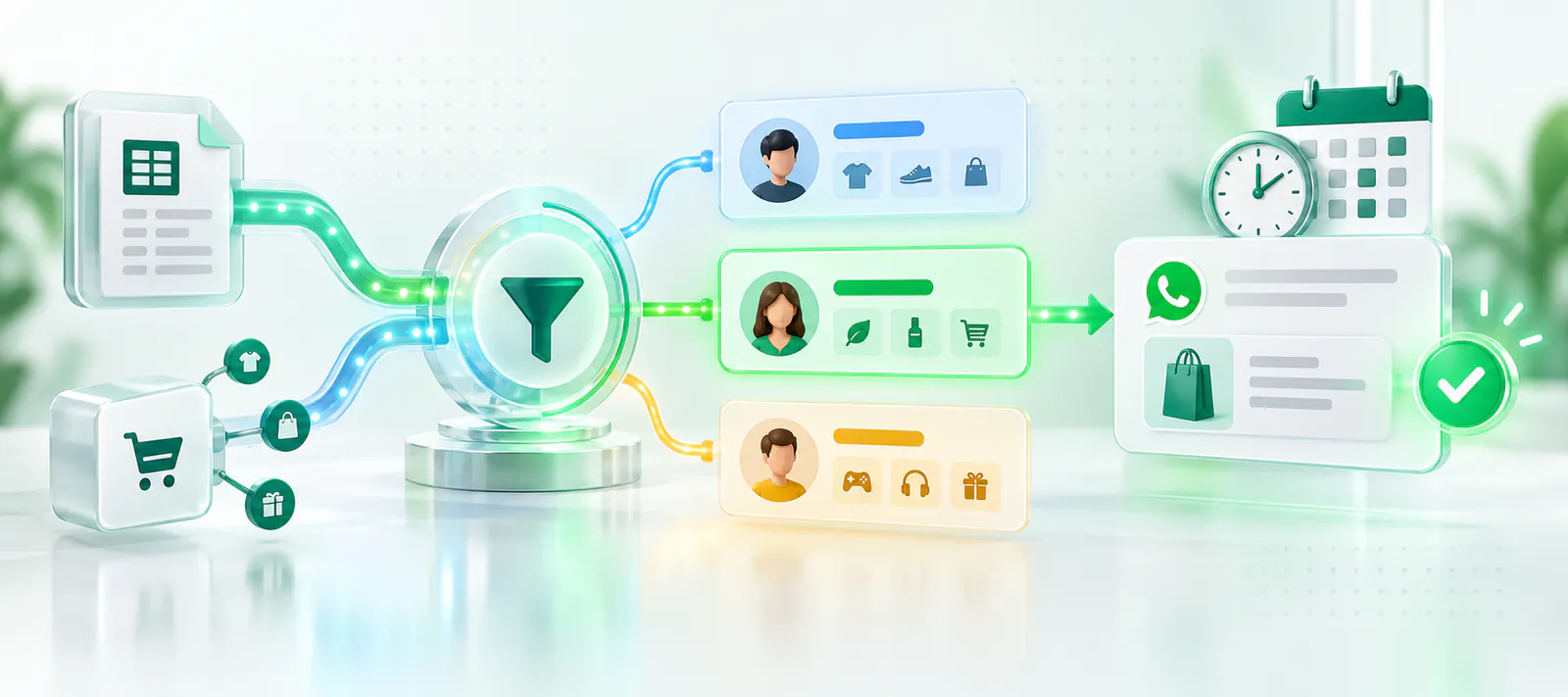
The right person, at the right time
Segment your contact list by tag, order history or interest and send only to the relevant group. You can schedule the send for a later date.
- Bulk contact upload with Excel
- Segments by tag, order history and interest
- Scheduled sending
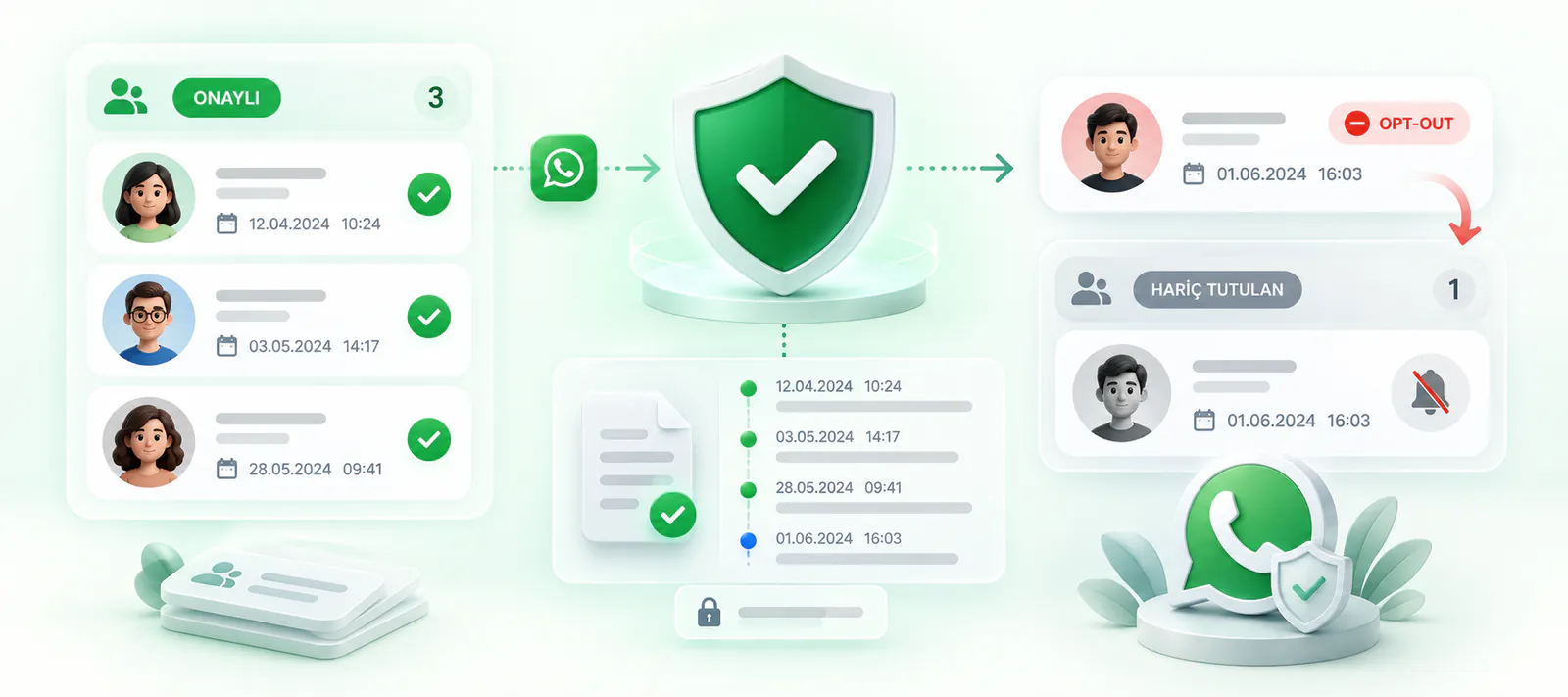
Consent and opt-out requests on record
The system records who gave consent and when, and who wants to leave the list. Anyone who opts out is excluded from future sends.
- Consent record with date
- Automatic opt-out management
- Sending history usable in audits
What comes with the campaign module
Segmentation
Target audiences by tag, order history and custom fields.
Scheduling
Schedule sending for a later date and time.
Status per message
Sent, delivered and read status for each message.
Bulk actions with Excel
Upload contact lists and export sending results.
Automated notifications
Order, payment and shipping notifications are triggered by the Shopify, Trendyol and Hepsiburada integrations.
Compliance records
Consent, opt-out requests and sending history, ready for audits.
Regular WhatsApp vs. the API
| Feature | Regular account | API (Chatopya) |
|---|---|---|
| Risk of being blocked | High | Low, with approved templates and Meta’s quality rules |
| Number of recipients | Limited broadcast lists | Based on Meta’s tiered daily limit |
| Personalized content | Manual | Automatic with variables |
| Delivery and read reports | None | Per message |
| Consent and opt-out records | None | Kept automatically |
Frequently asked questions
Can't find what you're looking for? Write to our team and we'll get back to you the same day.
Ask a questionIs sending bulk messages on WhatsApp legal?
Yes, as long as you send to people who have given explicit consent and the content is within the scope of that consent. Chatopya keeps consent records, opt-out management and sending history; these records can be used as proof in an audit.
What happens if I send bulk messages from regular WhatsApp?
Messaging many people in a short time is treated as spam and the number can be restricted or banned. With the API this runs on approved templates, through Meta's own infrastructure and within its tiered messaging limits; to keep a good quality rating you send relevant content to people who opted in.
How long does template approval take, and why are templates rejected?
Meta usually reviews templates within a few minutes to a few hours. The most common reasons for rejection are misleading wording, missing variable definitions, overly promotional language and typos. We prepare templates with you according to the rules before sending.
How do I choose who to send to?
You segment your contacts by tag, order history, interest or custom fields and send only to the relevant group. Lists can be uploaded in bulk with Excel.
Can I see the results of a send?
Yes. For every campaign you see sent, delivered and read messages, per message.
How much does a bulk message cost?
Meta charges for every message you send; template prices depend on the category (marketing, utility, authentication). The Chatopya plan fee comes on top. You can estimate the cost with your own volumes on the WhatsApp cost calculator page.
Let's set up your first campaign together
In a 30-minute demo we'll show you live how to prepare a template and choose a segment.