
What is the WhatsApp Business API and how do you get it?
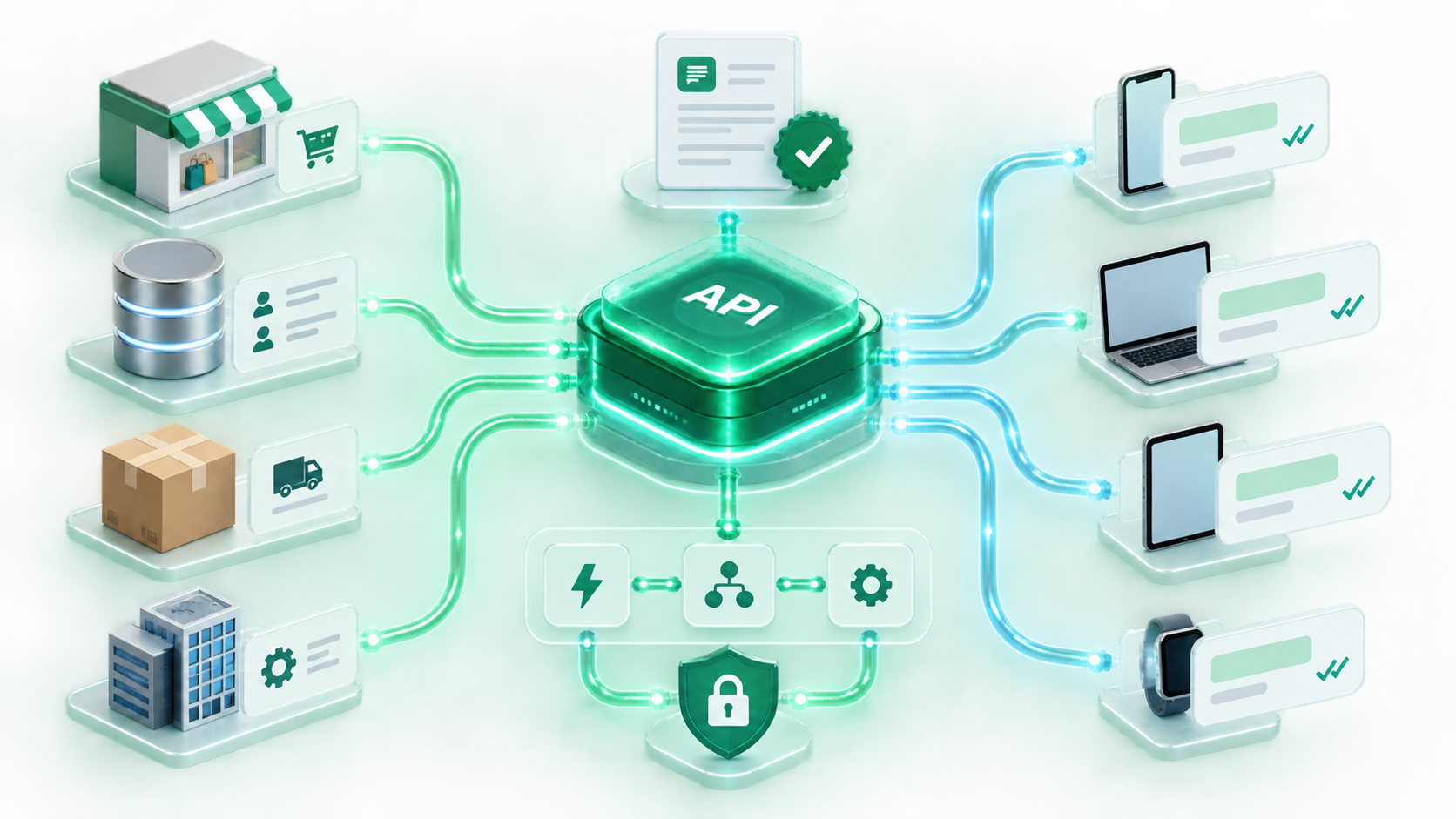
The API is Meta's enterprise WhatsApp infrastructure for businesses. Dozens of agents use a single number, your systems connect to WhatsApp, and you reach thousands of people with approved templates. We handle the whole process, from application to go-live.
The limits of running a business on regular WhatsApp
Three common problems businesses tell us about when they move to the API.
One phone, one person
The business number sits in one person's pocket. When they're on leave, messages pile up, the team can't look at the same chat at once, and nobody records who answered what.
Accounts get blocked for bulk messages
Messaging hundreds of people one by one to announce a campaign is slow and risky. On regular accounts, bulk sending can be flagged as spam and the number shut down.
Disconnected systems
Orders are in the e-commerce panel, shipping is with the carrier, chats are on the phone. Answering "Where is my order?" means jumping between three screens.
Same number, enterprise infrastructure
One number, unlimited agents
Customers always write to the same number; behind the scenes, chats are distributed across the team. You can see who's handling which chat, so no customer gets two replies.
- Chat assignment and handover
- History and performance records per agent
- Notes, tags and internal messaging
Bulk sending with approved templates
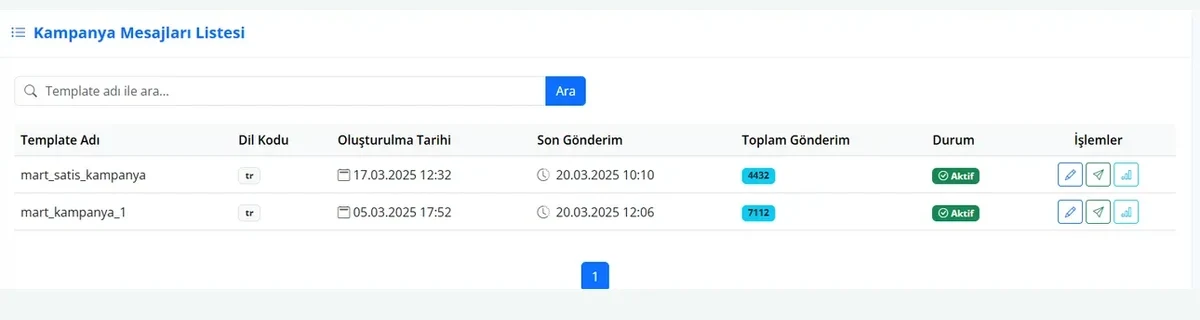
With Meta-approved templates you reach thousands of people at once without the risk of being blocked. Campaigns, order notifications, appointment reminders — all within the rules.
- Templates are created in the panel and submitted for approval
- Segmented sending and scheduling
- Per-message delivery and read reports
Talks to your systems
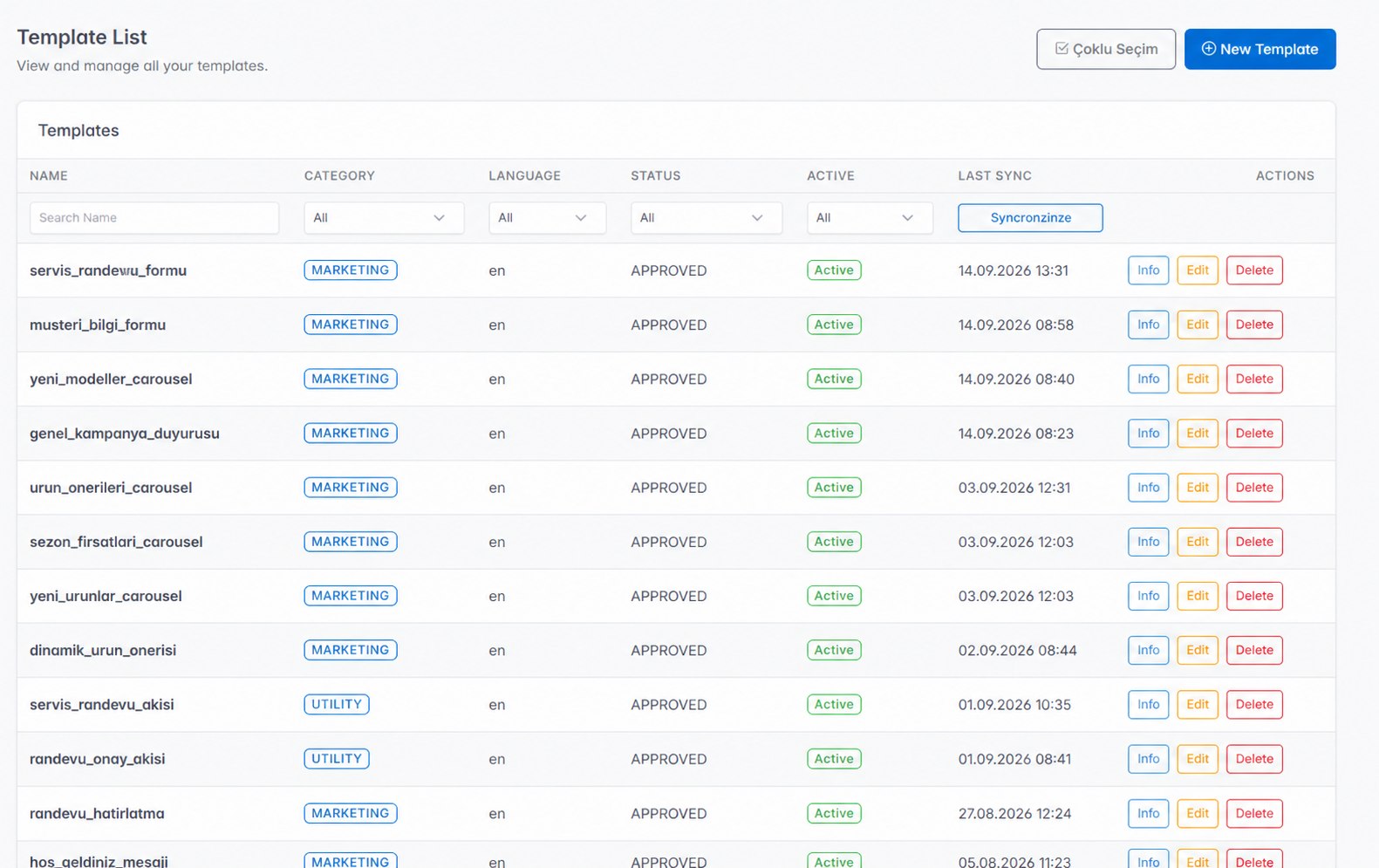
Order, stock and shipping data flows automatically from your e-commerce panel into WhatsApp. Customers are informed before they ask, and when they do ask, the bot answers.
- Ready-made Trendyol, Shopify and Hepsiburada integrations
- Custom connections for CRM and ERP
- Instagram DMs in the same inbox
What comes with the API
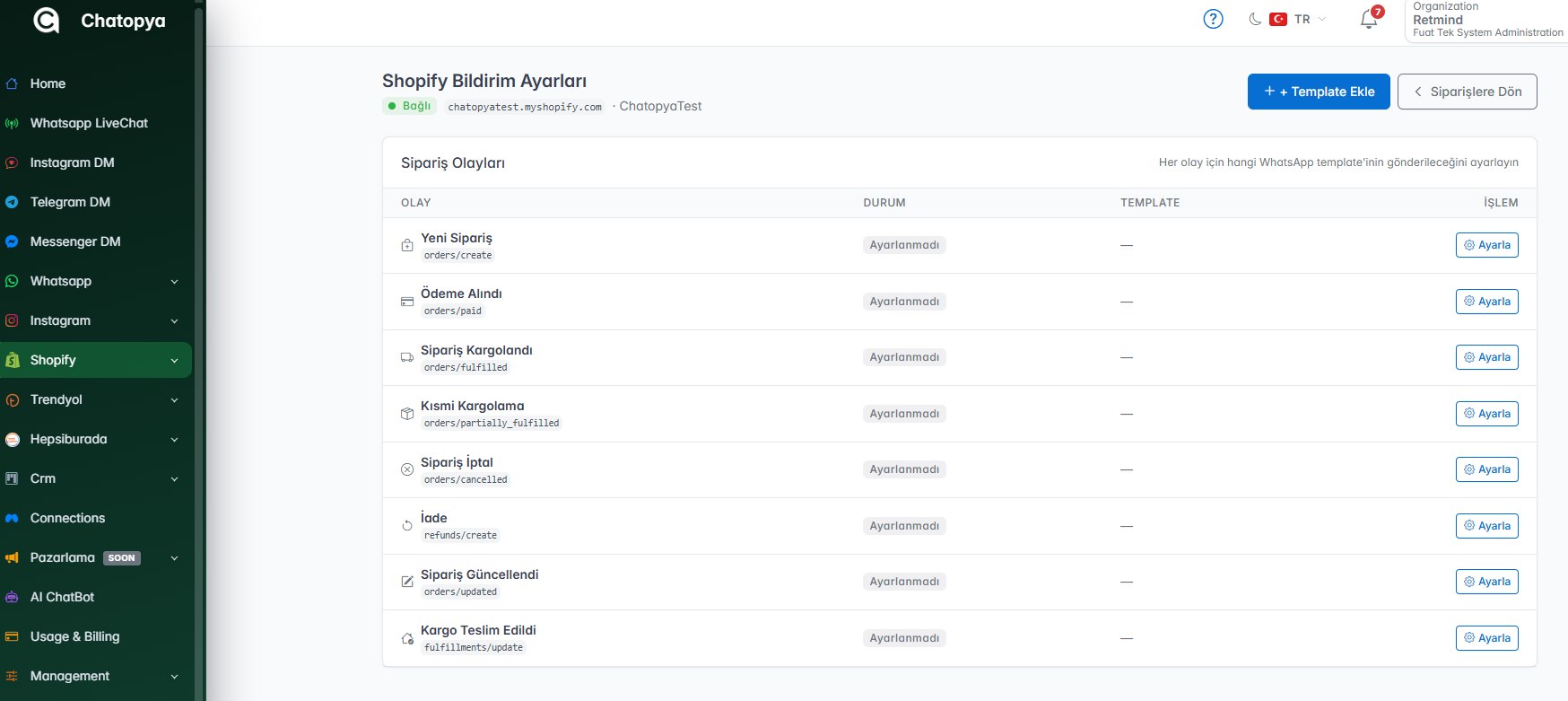
AI chatbot
The bot answers frequently asked questions and hands complex ones over to an agent.
Flow designer
Build order forms, appointment and survey flows with drag and drop.
Campaign management
Segmented bulk sending, scheduling and performance reports.
Multiple agents
Chat assignment, handover, internal notes and tagging.
KVKK compliance
Consent records, opt-out management and sending history are kept.
Reporting
Sent, delivered, read and reply counts on one screen.
Business app or API?
Use this table to quickly see which one suits you.
| Feature | Business App | API (Chatopya) |
|---|---|---|
| Agents at the same time | 1 person | Unlimited |
| Bulk messages | No, risk of being blocked | With approved templates, unlimited |
| Chatbot and automation | Quick replies only | AI-powered flows |
| ERP / e-commerce connection | None | Ready-made integrations |
| Green tick (official account) | Not available | Application support included |
| How it's used | Phone app | Panel in the browser |
| Cost | Free | Plan + Meta messaging fees |


Frequently asked questions
Can't find what you're looking for? Write to our team and we'll get back to you the same day.
Ask a questionHow do you apply for the WhatsApp Business API?
You don't apply to the API directly. You go through a Meta-approved solution partner: Meta Business account verification is started with your business details and tax certificate, and then your number is connected to the API. Chatopya handles all of these steps on your behalf.
What happens when I move from the WhatsApp Business app to the API?
Once the number moves to the API, the WhatsApp Business app on the phone stops working for that number and all chats are handled in the panel. Past chats aren't transferred, so we schedule the switch for a quiet time.
Do I need a separate phone number for the API?
No. You can move your existing business number. If you want to keep using the phone app, you can also start with a new number.
What is a template message and why is it needed?
If a customer hasn't written to you within the last 24 hours, you can only reach them with a template message approved in advance by Meta. This rule protects users from unwanted messages. Templates are created in the panel and submitted for approval.
How does WhatsApp Business API pricing work?
There are two parts: Chatopya's monthly plan fee and Meta's per-message fee. Template messages are priced by category (marketing, utility, authentication). Replies within 24 hours of a customer's message include 1,000 free messages per number each month; after that they are charged. We show both separately in our quote.
Is the API required to get the green tick?
The green tick is Meta's official account badge, and only accounts using the API can apply. It isn't mandatory; if your brand recognition meets the criteria, we'll guide you through the application.
Let's run the application process together
In a 30-minute demo we'll check whether your account is eligible for the API and clarify the process and costs.