
Send bulk messages on WhatsApp
Reach thousands of people at once with Meta-approved templates. Your number doesn't get blocked, consent records are kept, and you can see the delivery and read status of every message.
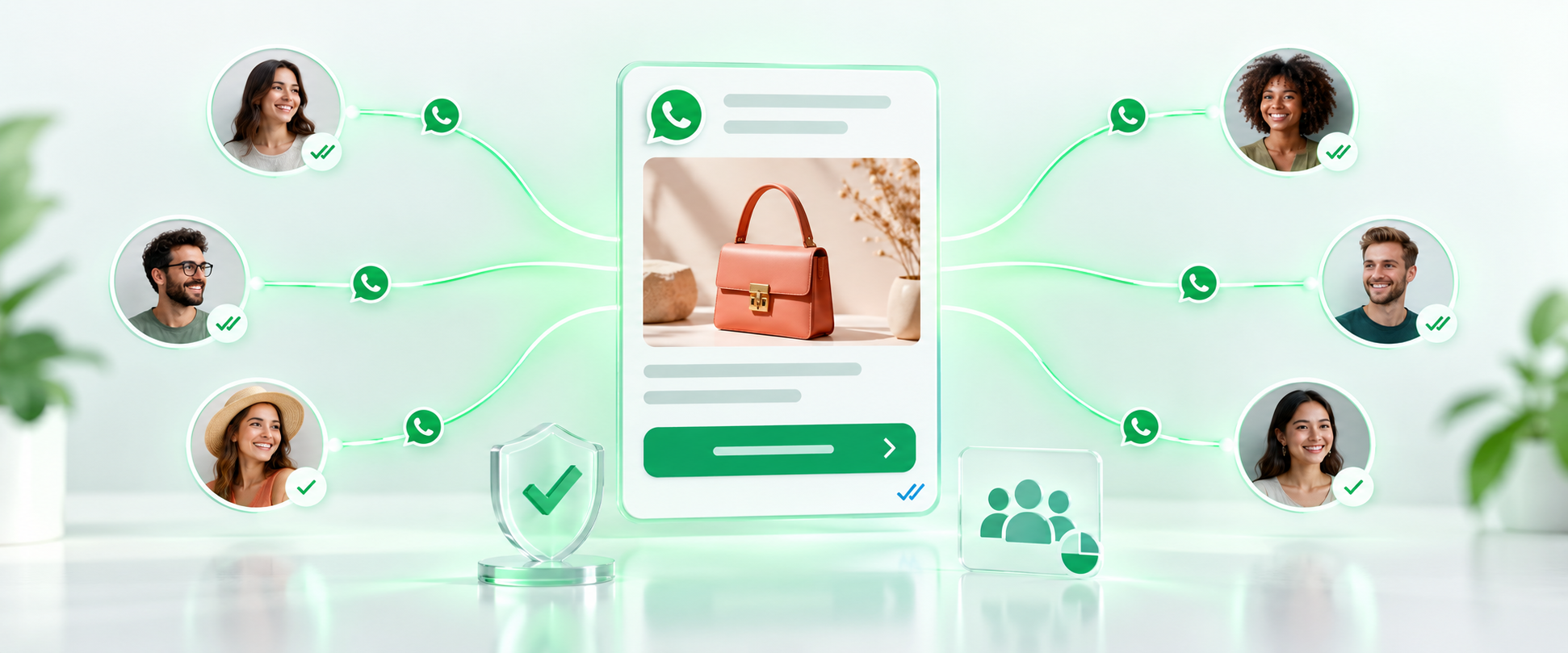
The three known risks of announcing a campaign
Your number gets banned
Messaging many people in a short time from a regular account counts as spam, and your business number gets restricted.
Compliance is unclear
Who gave consent and who wants to opt out isn't recorded anywhere, so proving it in an audit is hard.
Results can't be measured
You don't know how many people it reached, read it or replied. The next campaign is a shot in the dark again.
Compliant, measurable sending
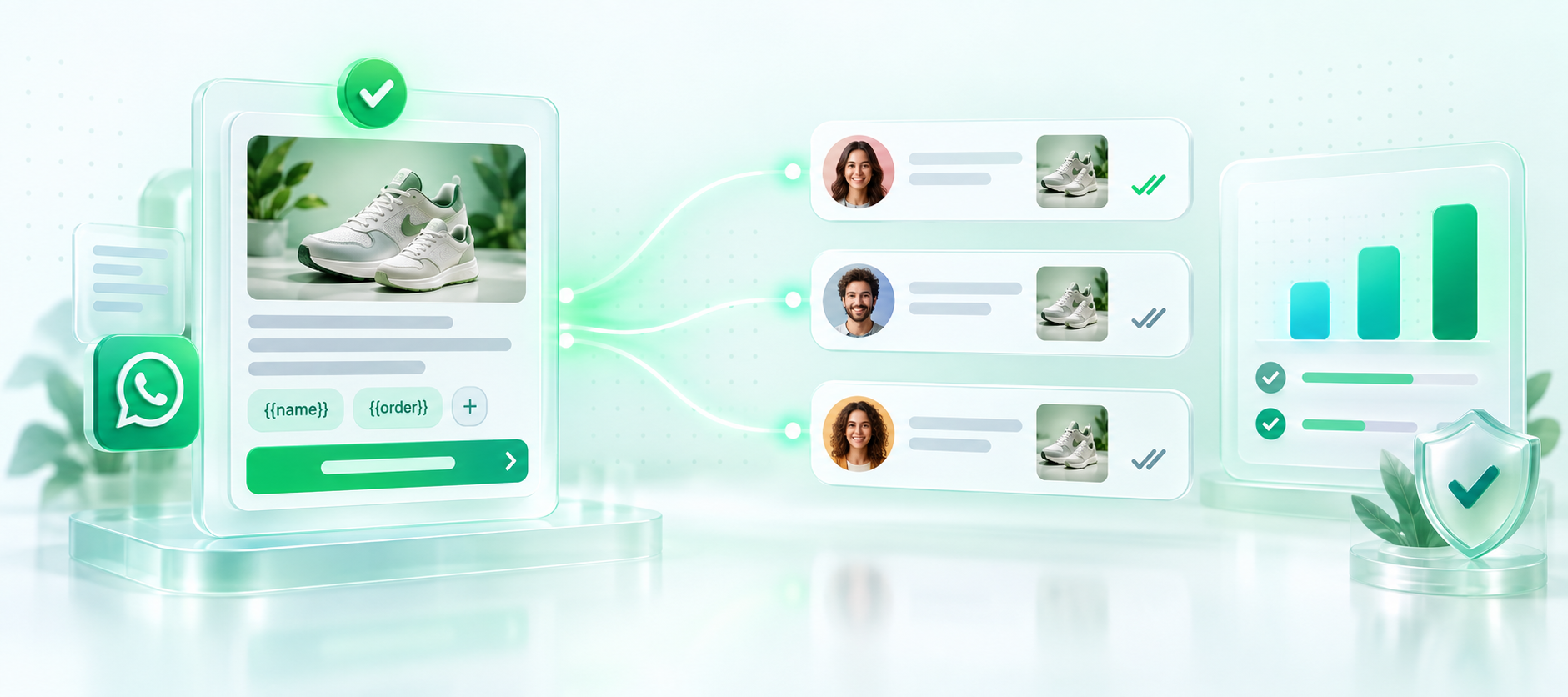
Approved templates, no risk of being blocked
Messages are sent through Meta's own infrastructure. Because templates are approved in advance, your number isn't flagged as spam.
- Templates are created in the panel and submitted for approval
- Personalized content with variables
- Add images, buttons and links
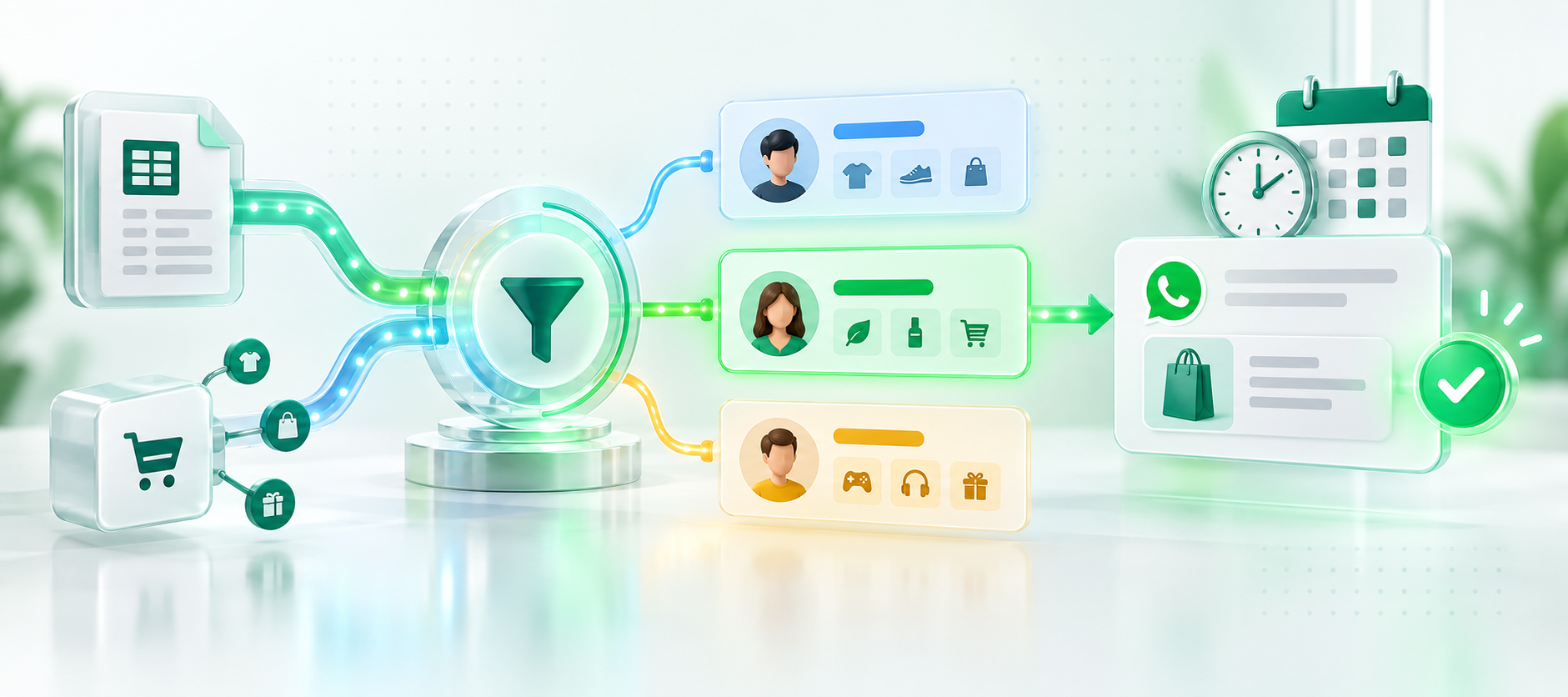
The right person, at the right time
Segment your contact list by tag, order history or interest and send only to the relevant group. You can schedule the send for a later date.
- Bulk contact upload via Excel
- Lists fed automatically from integrations
- Scheduled sending
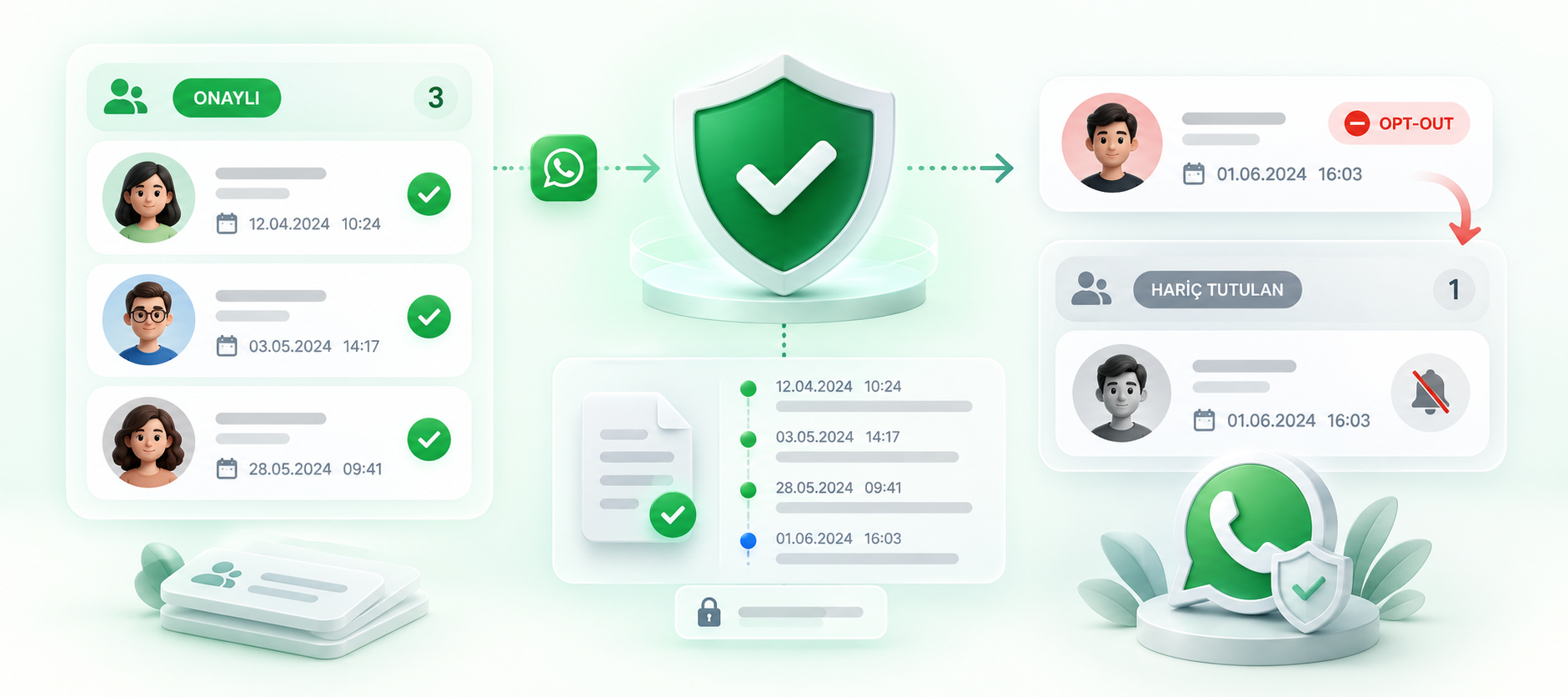
Consent and opt-out requests on record
The system records who gave consent and when, and who wants to leave the list. Anyone who opts out is excluded from future sends.
- Consent record with date
- Automatic opt-out management
- Sending history usable in audits
What comes with the campaign module
Segmentation
Target audiences by tag, order history and custom fields.
Scheduling
Schedule sends for later and adjust them to time zones.
Per-message reporting
Delivered, read, replied and link-click counts.
Bulk actions with Excel
Upload contact lists and export sending results.
Automated notifications
Order, shipping and appointment notifications are triggered by integrations.
Compliance records
Consent, opt-out requests and sending history, ready for audits.
Regular WhatsApp vs. the API
| Feature | Regular account | API (Chatopya) |
|---|---|---|
| Risk of being blocked | High | None, with approved templates |
| Number of recipients | Limited broadcast lists | Unlimited |
| Personalized content | Manual | Automatic with variables |
| Delivery and read reports | None | Per message |
| Consent and opt-out records | None | Kept automatically |
Frequently asked questions
Can't find what you're looking for? Write to our team and we'll get back to you the same day.
Ask a questionIs sending bulk messages on WhatsApp legal?
Yes, as long as you send to people who have given explicit consent and the content is within the scope of that consent. Chatopya keeps consent records, opt-out management and sending history; these records can be used as proof in an audit.
What happens if I send bulk messages from regular WhatsApp?
Messaging many people in a short time is seen as spam, and your number may be restricted or banned. With the API this is done using approved templates; since sending runs on Meta's own infrastructure, that risk doesn't arise.
How long does template approval take, and why are templates rejected?
Meta usually reviews templates within a few minutes to a few hours. The most common reasons for rejection are misleading wording, missing variable definitions, overly promotional language and typos. We prepare templates with you according to the rules before sending.
How do I choose who to send to?
You can split your contact list into segments by criteria such as tags, order history and interests, and send only to the relevant group. Lists can be uploaded in bulk via Excel or fed automatically from integrations.
Can I see the results of a send?
Yes. For every campaign, the number of delivered, read and replied messages is reported per message. If you included a link, you'll also see the click count.
How much does a bulk message cost?
Meta charges for each conversation you send, and the price depends on the conversation type. The Chatopya plan fee is added on top. You can see the estimated cost in the panel before a campaign.
Let's set up your first campaign together
In a 30-minute demo we'll show you live how to prepare a template and choose a segment.